NOTE: Before you start the tour, please read below. The following tools will help with your navigation.
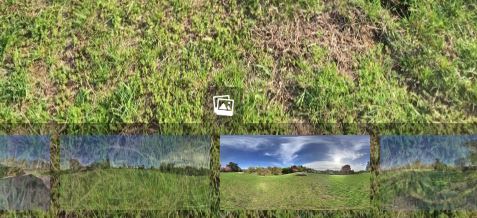
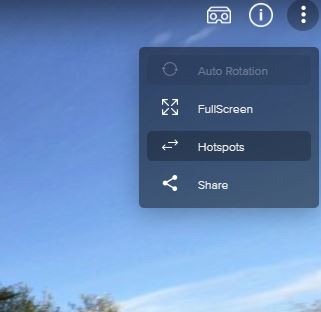
Click on the arrows to move to a new view.Click on the image icon to view a still photo.The video icon will play a time-lapse sunset video.The bottom of the screen has thumbnail images that can take you to each location.The top corner menu can turn off/on the “hotspots” or the arrows. That can give you a better view of a scene without the arrows in the way.If you have 3-D glasses, you can turn on the 3-D view in the upper corner.Click on the globe icon to show or remove the side panel map.